How to draw on your screen on a Mac during a Zoom call or screen recording
Circling your mouse pointer around and saying “this bit here” works badly on a call and worse in a recording. An arrow or a box around the thing you mean is much easier to follow.
Short answer
macOS doesn't come with a way to draw over your screen. Use an overlay app like Quick Draw, and share your entire screen rather than a single window so everyone can see what you draw.
What's built in, and where it falls short
- Markup in Preview and the screenshot thumbnail lets you draw on a screenshot after you've taken it. It's no help while you're talking.
- Zoom's Annotate tool appears in the toolbar while you share your screen in Zoom. It only works in Zoom calls, and not in recordings you make with other tools.
- Pointer highlighting in some screen recorders makes the cursor easier to see, but it still can't point at two things or leave a label behind.
How to draw over anything with Quick Draw
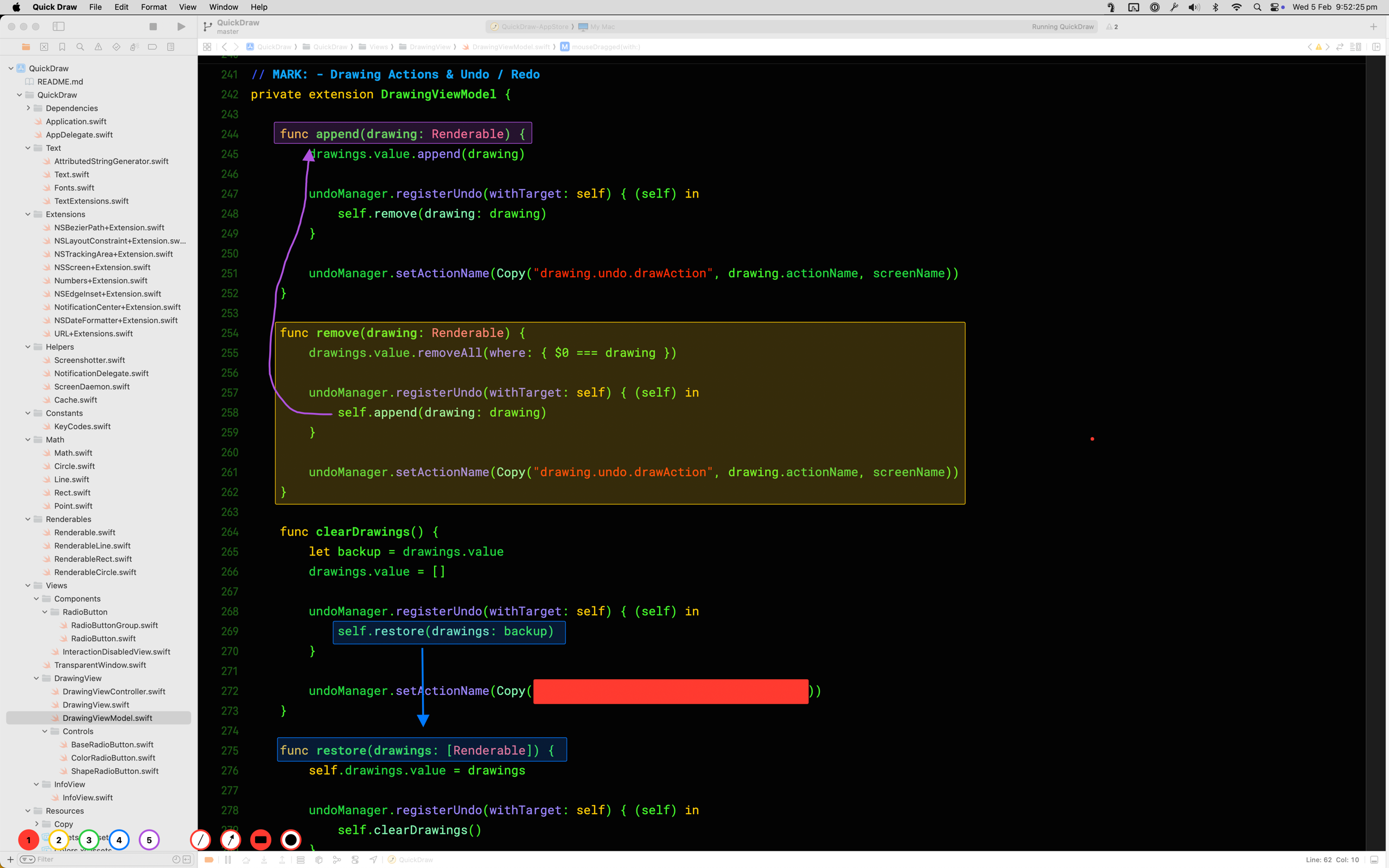
- Start your screen share or recording. In Zoom, Google Meet or Teams, choose your entire screen or desktop, not a single window.
- Switch to Quick Draw from the Dock, with Command-Tab, or through Spotlight.
- Pick a shape:
Afor arrow,Rfor rectangle,Cfor circle,Lfor line, orTto type text. Keys1to5change the colour. - Draw. Hold
Shiftfor straight lines and filled shapes, and holdSpaceto move a shape while you're still drawing it. - Press
Escto clear the screen. Press it again and you're back in the app you were using.
Made a mistake? Command-Z undoes the last drawing, and Backspace erases only what's under the mouse. If you forget a key, press / to bring up the shortcut card.
Why sharing the whole screen matters
Quick Draw doesn't draw inside your apps. It draws on top of the screen, which is why one arrow can start in your browser and end in your code editor. When you share a single window, the meeting app only sends that window, so the drawings on top of it aren't included. Sharing the entire screen sends everything you see, drawings included.
The same applies to recording. QuickTime, the macOS screenshot toolbar (Command-Shift-5), OBS and Loom all pick up Quick Draw when they record the full screen.
Black out private info before a screenshot
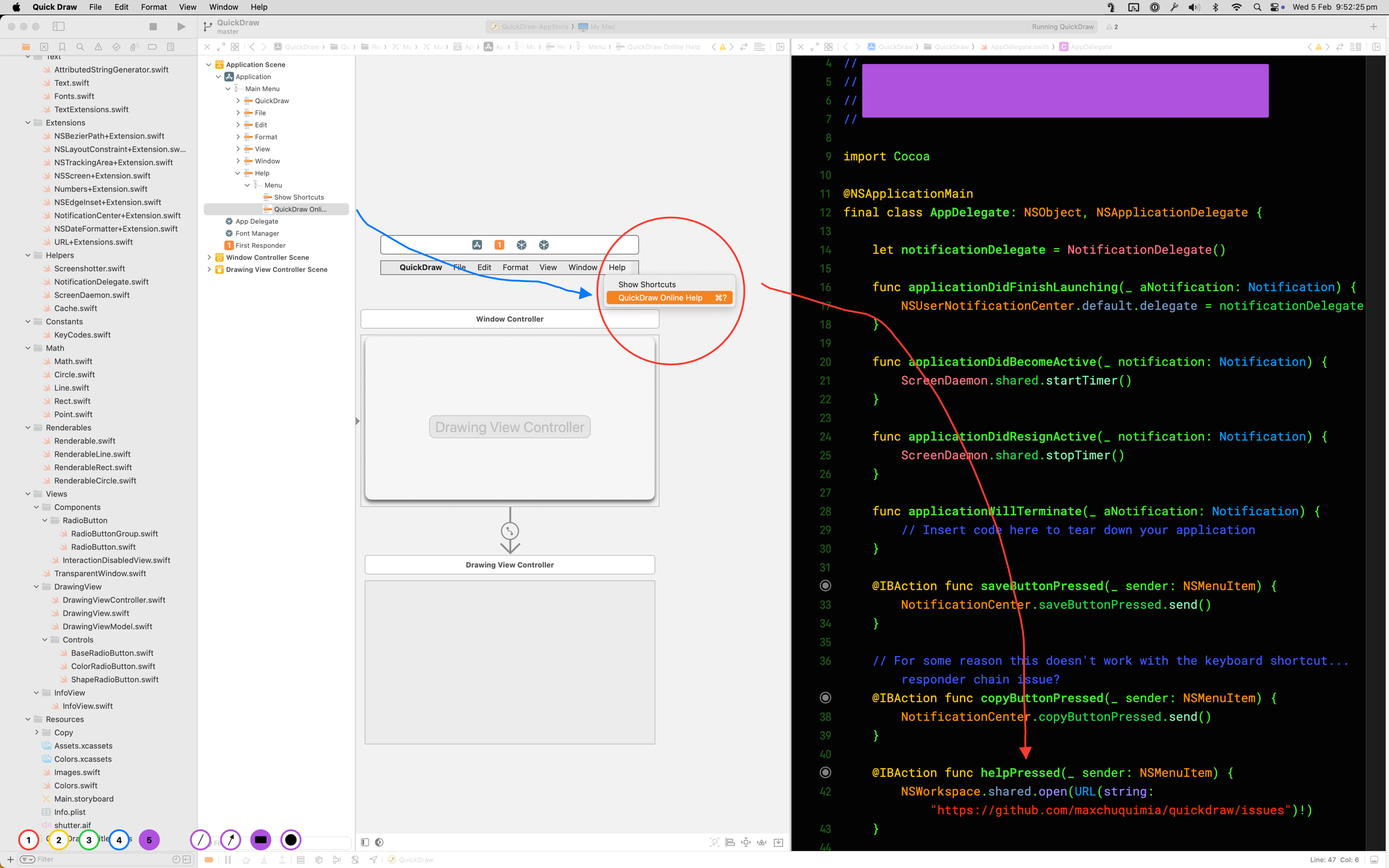
Quick Draw is also handy when you need a screenshot with something hidden, like an email address, an API key or a customer name.
- Switch to Quick Draw and press
R. - Hold
Shiftand drag over the thing you want hidden. The rectangle fills in solid. - Press
Command-Cto copy a screenshot to the clipboard, orCommand-Sto save one to the desktop. macOS may ask for screen recording permission the first time.
Because the box is drawn before the screenshot is taken, there's nothing to crop or edit afterwards.
Questions
Why can't people on the call see my drawings?
You are probably sharing a single window. A window share only sends that one app, and the drawings sit on top of the screen rather than inside the app. Stop sharing and share your entire screen or desktop instead.
Does it work with Google Meet, Microsoft Teams and Zoom?
Yes. Quick Draw draws on the screen itself, so anything that shares or records your whole screen picks it up. That includes Zoom, Google Meet, Teams, Slack huddles, QuickTime, the macOS screenshot toolbar, OBS and Loom.
Can I click on things underneath while I'm drawing?
Not while Quick Draw is in front, because your clicks are drawing. Press Escape to clear the screen, then Escape again and you are back in the app you were using.
Is there a free version?
Quick Draw is open source, so you can build it yourself from the code on GitHub. The Mac App Store version is US$1.99 and is the signed, sandboxed build that updates on its own.

US$1.99 · one-time purchase · macOS 10.14 or later