Translate This App Icon

Translate This

Translate text on your screen

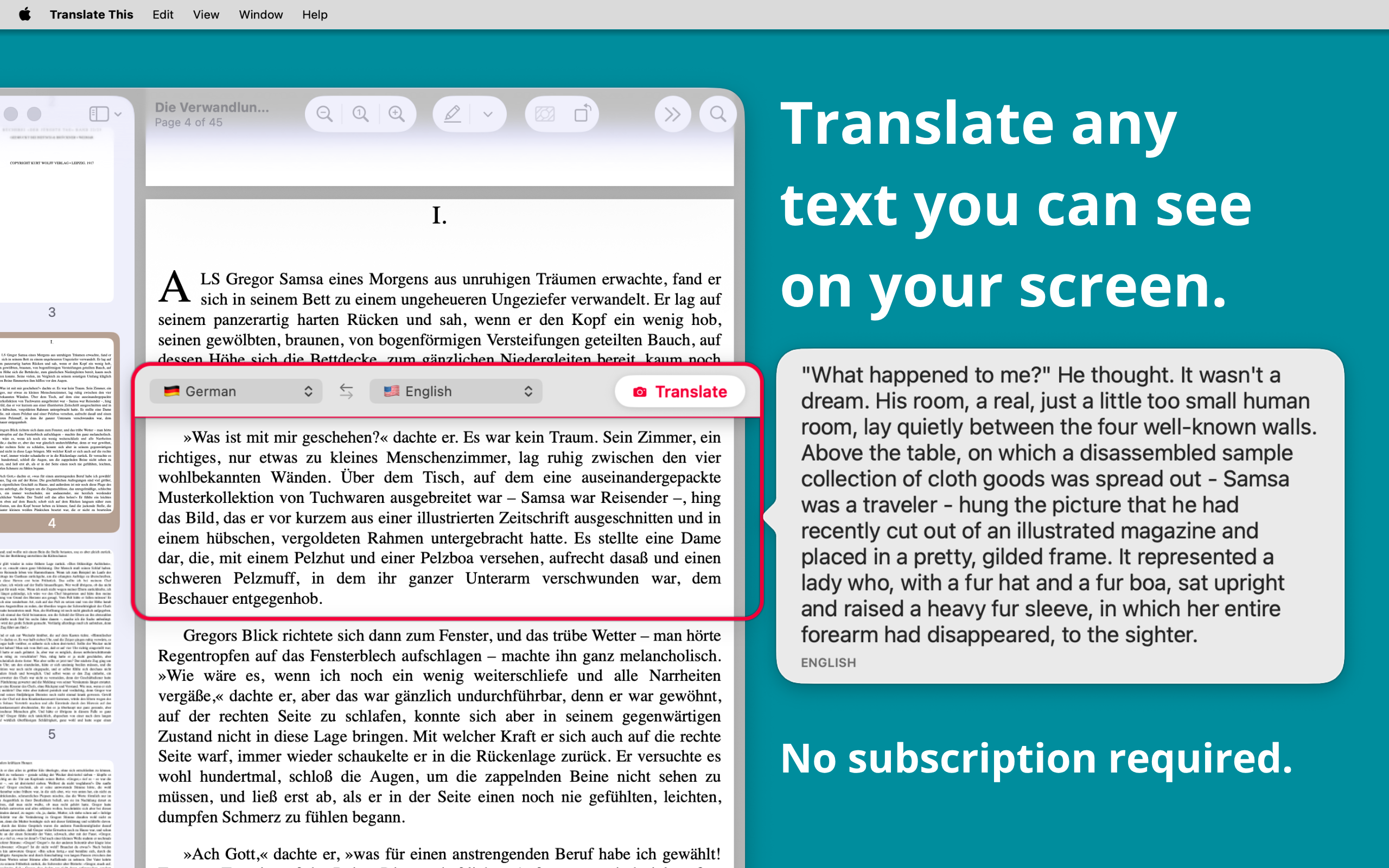
Translate This is the fastest way to understand any text on your Mac. Place the floating frame over the words you want to read, click Translate, and the translation appears right next to them. No copying, no pasting.

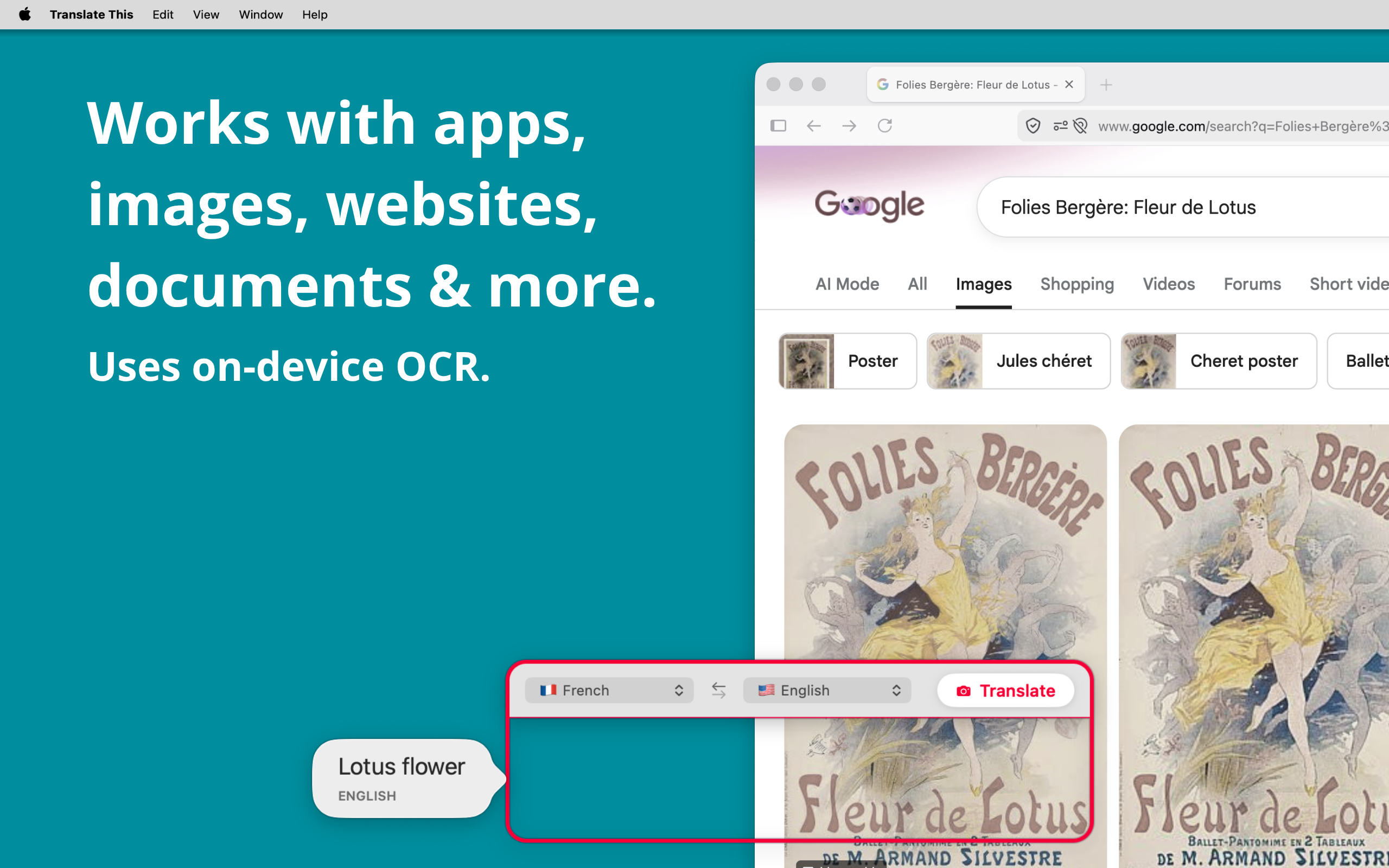
Whether it's a foreign-language website, a PDF, an image, a menu, a game, a video subtitle, or an app that won't let you select text, Translate This reads it with OCR and translates it instantly.

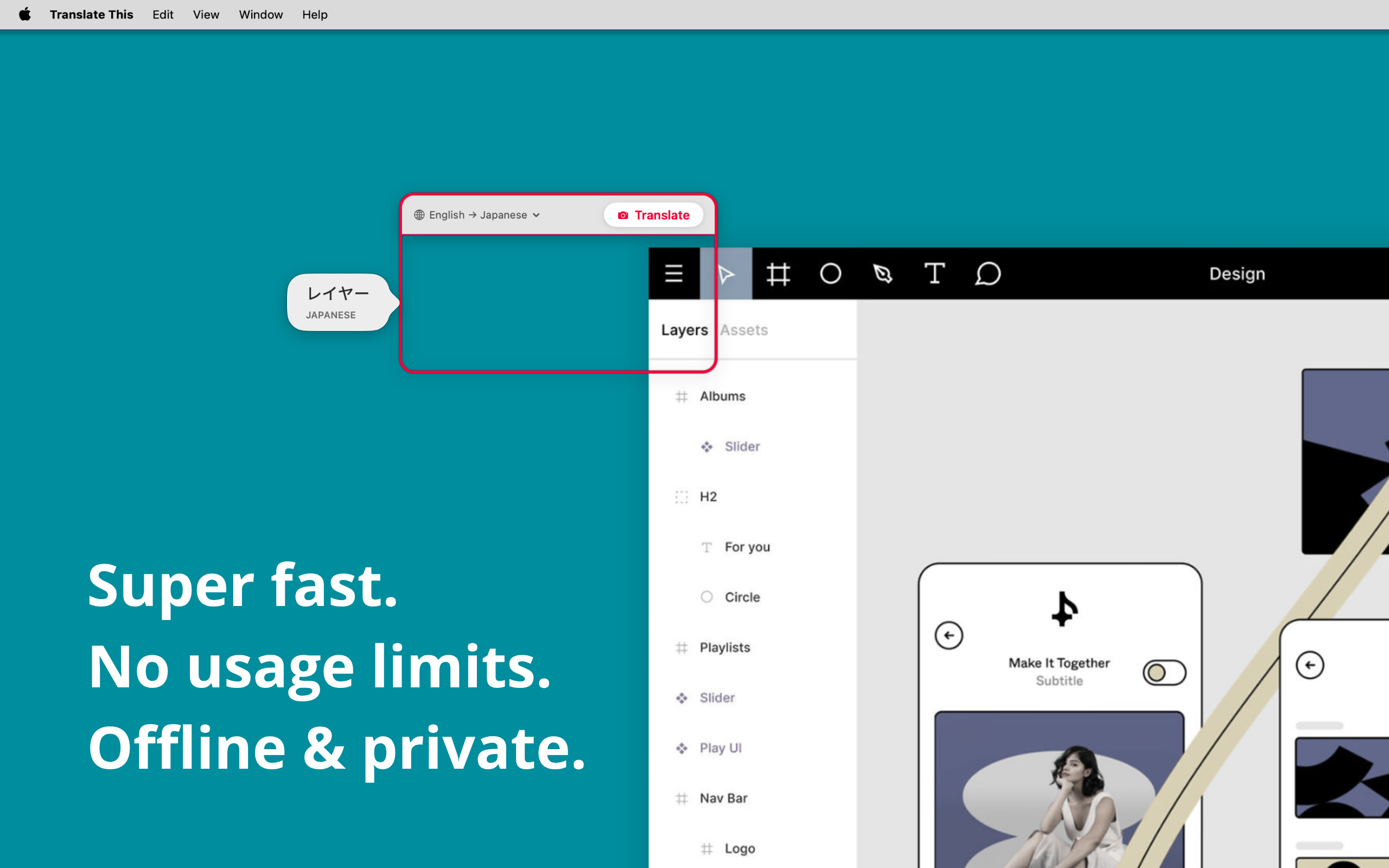
Private by design. Translate This does its work entirely on your Mac. Text recognition and translation happen on-device, so what's on your screen stays with you. No account, no sign-up, nothing to manage.

Simple and delightful

  • A movable, resizable frame you position over any text
  • One click to translate what's inside the frame
  • Results appear right where you're looking
  • Keep the window above other apps so it's always ready

Works everywhere

  • Websites and online articles
  • PDFs and documents
  • Images and screenshots
  • App interfaces and dialogs
  • Games and video

Many languages

Translate between dozens of languages using Apple's on-device translation. Swap source and target languages with a single click.

  • Arabic
  • Chinese
  • Dutch
  • English
  • French
  • German
  • Indonesian
  • Italian
  • Japanese
  • Korean
  • Polish
  • Portuguese
  • Russian
  • Spanish
  • Thai
  • Turkish
  • Ukrainian
  • Vietnamese

Download Translate This and read the world in your language.

Download on the App Store
Translate This — place a frame over on-screen text to translate it instantly Translate This — on-device OCR and translation on Mac Translate This — translate websites, PDFs, images, and more